


1.ES FILE EXPLORER:-
Features:-
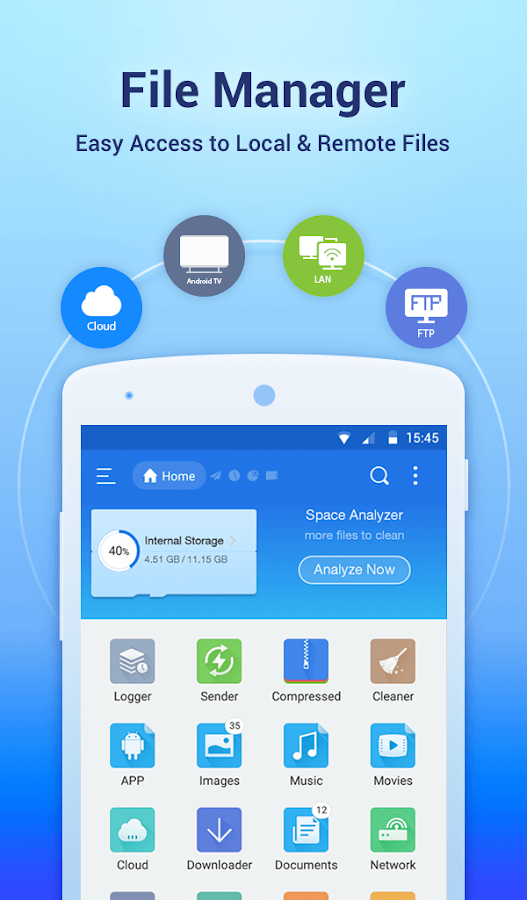
- Sender: Transfer apps, images, music, movies, documents, without using mobile data and cables. Support same Wi-Fi mode & auto-created hotspot.
- File Manager: Manage your files with cut, copy, paste, rename, and compress operations
- Built-in viewers and players for various file types: click to play music/videos, check image(s) and document(s)
- Built-in ZIP and RAR support: allows you to compress and decompress ZIP files, unpack RAR files, and create encrypted (AES 256 bit) ZIP files.

2.AMAZE FILE EXPLORER:-
Features:-
- Open Source, light and smooth.
- Based on Material Design guidelines.
- Basic features like cut, copy, delete, compress, extract etc. easily accessible.
- Work on multiple tabs at same time.
- Multiple themes with cool icons.
- Navigation drawer for quick navigation.
- App Manager to open, backup, or directly uninstall any app.


Playstore
3.ASUS FILE MANAGER:-
Features:-
- Your light and savvy file explorer: Search, access, save, move, delete, or share files that are stored in your smart device’s internal storage to or from a microSD card, LAN, or Cloud storage accounts and vice-versa.
- Access files in LAN and SMB: Manage files within your LAN (local area network) and SMB (Samba) network.


Playstore
4.File Manager:-
FEATURES:-
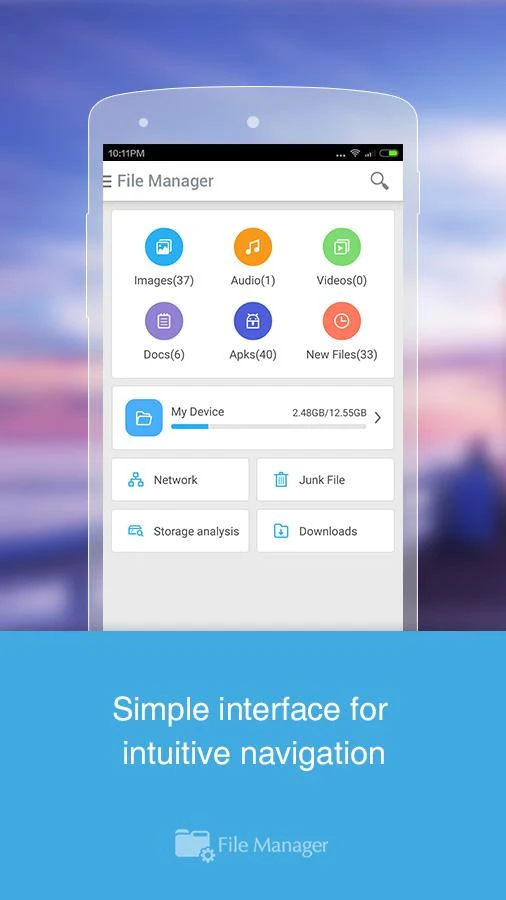
- Fully featured:Cut, copy, paste, delete, compress, decompress, search and more.
- Cloud support:Switch between local and cloud files – supports Dropbox, Box, Google Drive, SkyDrive and more.
5.Solid Explorer File Manager:-
Features:-
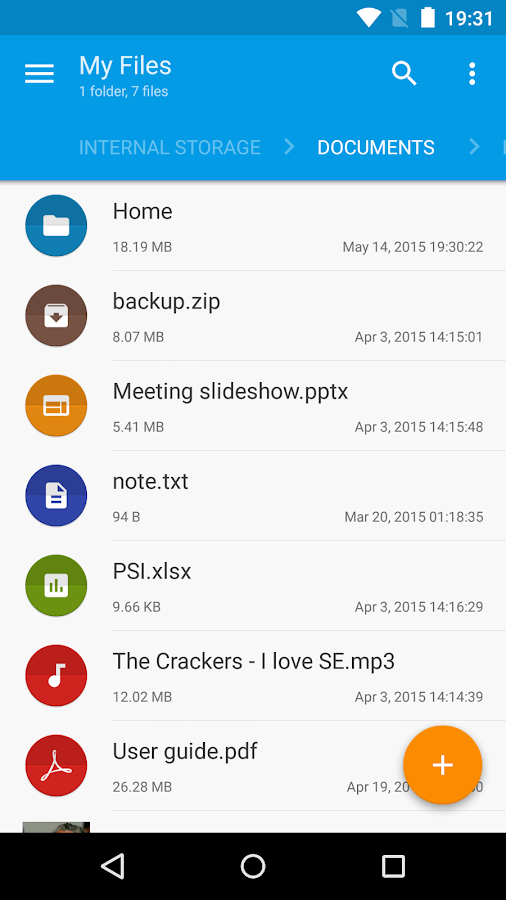
- Material Design.
- Two independent panels serving as file browsers.
- Rich customization options: icons sets, color schemes, themes.
- Drag and Drop inside and between panels.
- FTP, SFTP, WebDav, SMB/CIFS clients.
- Ability to read and extract ZIP, 7ZIP, RAR and TAR archives, even encrypted.
- Ability to create password protected ZIP and 7ZIP archives.
- Cloud file manager: Dropbox, Box, OneDrive, Google Drive, Sugarsync, Copy, Mediafire, Owncloud, Yandex.
- Root access makes Solid Explorer a fully functional root explorer.
- Extensibility: more features in separate plugins available in Google Play.



Post A Comment:
0 comments so far,add yours